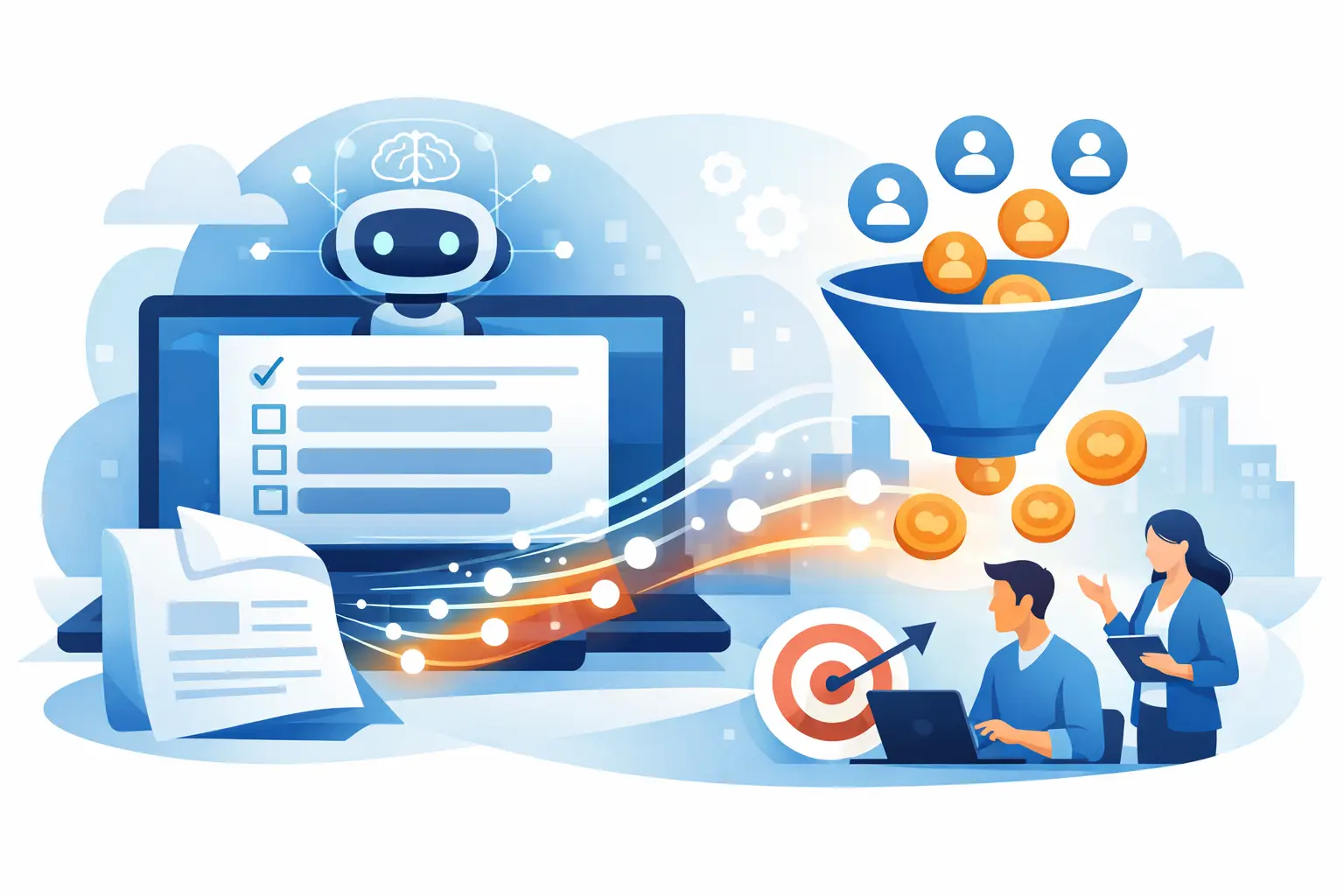
A 40-page ebook, product guide, or training deck should not be a dead end for your traffic. An AI quiz generator from PDF can turn that existing content into an interactive experience that earns attention, captures qualified leads, and reveals what each prospect actually needs.
For marketers, that is the real opportunity. The goal is not simply to create 10 multiple-choice questions faster. It is to repurpose expertise into a quiz funnel that moves visitors from passive reading to a personalized next step.
What an AI Quiz Generator From PDF Actually Does
An AI PDF-to-quiz tool reads uploaded source material, identifies major concepts, and proposes questions, answer options, and often correct answers. Depending on the platform, it may also suggest explanations, question categories, difficulty levels, or quiz titles.
This is especially useful when your best material already lives in PDFs: lead magnets, client onboarding documents, sales enablement guides, certification materials, webinar handouts, research reports, and product catalogs. Instead of manually pulling facts from every page, you start with a workable draft in minutes.
That speed matters, but it is only the starting point. A generated knowledge quiz can support training, event engagement, and content distribution. A marketing quiz needs an additional layer: a result that segments people by their problem, goal, maturity level, or buying intent.
For example, a PDF called “The Small Business Email Marketing Playbook” could produce a basic quiz on deliverability rules. That may be useful for education. But a lead-generation version might classify respondents as “List Builder,” “Automation Ready,” or “Deliverability Fixer,” then deliver the most relevant resource, offer, or email sequence.
Why PDFs Are a Strong Source for Quiz Funnels
Most businesses are sitting on useful material that gets downloaded once and forgotten. A quiz gives that material a second job. It creates a reason for people to participate, makes the content easier to consume, and generates first-party audience data in the process.
The format also solves a familiar conversion problem. Asking a cold visitor to hand over an email address for a generic PDF can feel like a high-friction exchange. Asking them to answer a few questions to get a tailored result feels more immediate. When the result is valuable, the email opt-in becomes a natural part of the experience instead of an interruption.
An AI-generated draft helps teams move faster when they are launching campaigns around existing assets. Agencies can turn a client’s white paper into an interactive lead magnet. Course creators can build a readiness assessment from their curriculum. Ecommerce brands can transform buying guides into product recommendation quizzes.
It depends on the source material, though. A highly technical PDF with clear concepts, definitions, and frameworks usually generates better questions than a vague brand brochure. AI can organize what is there, but it cannot invent a sharp audience strategy from thin content.
How to Turn a PDF Into a Quiz That Converts
The highest-performing process is not upload, publish, and hope. Use AI to reduce production time, then apply marketing judgment where it affects conversion.
1. Start with one conversion goal
Choose the action you want the quiz to support before uploading anything. You may want to build an email list, qualify consultation leads, recommend a product category, enroll users in a workshop, or segment subscribers for a campaign.
That decision determines the quiz type. A scored knowledge test is ideal when you want to assess understanding. A personality-style quiz or diagnostic assessment is usually stronger when you want to personalize a marketing journey. Do not force every PDF into a trivia format just because the generator makes that easy.
2. Upload the right section, not every page
Long PDFs often contain front matter, case studies, legal language, appendices, or repetition that will produce weak questions. If your platform allows it, upload the chapter or pages that best align with the quiz goal.
For a lead quiz, source sections that describe audience challenges, solutions, maturity stages, and decision criteria. Those ideas make better segmenting questions than isolated facts and figures.
3. Treat the AI output as a first draft
AI can create plausible questions that are technically correct yet strategically useless. Review every question for clarity, accuracy, and relevance to your audience. Remove questions that test tiny details, use confusing language, or reveal the answer in the wording.
Then rewrite the strongest questions around choices that reveal intent. A question such as “Which email platform was mentioned in chapter three?” tells you almost nothing about a prospect. “What is your biggest obstacle to growing your subscriber list?” gives you segmentation data you can act on.
4. Build outcomes, not just scores
A generic result like “You scored 7 out of 10” leaves conversion potential on the table. Give each outcome a clear name, a short diagnosis, practical advice, and one relevant next action.
If someone lands in an “Early-Stage Builder” result, offer a foundational checklist or beginner-friendly product. If they are “Optimization Ready,” direct them to an advanced audit, service, or higher-value solution. That is where a quiz becomes a personalized funnel rather than interactive content for its own sake.
Features That Matter When Choosing a PDF Quiz Tool
Not every tool that generates questions from documents is built for marketers. Education-focused platforms may be excellent at assessments but weak on lead capture, branding, integrations, or result logic. The right choice depends on the campaign you are building.
Prioritize these capabilities when the quiz will live on a business website:
- Editable AI-generated questions so your team can improve wording, answer logic, and brand voice before publishing.
- Outcome logic and branching for assigning respondents to meaningful segments instead of displaying one universal score.
- Lead capture controls that let you place the opt-in at the right moment and collect only the information you need.
- Email and CRM integrations so quiz data can trigger tags, automations, and personalized follow-up.
- Branding and embed options that make the quiz feel native to your site rather than like a disconnected third-party form.
- Analytics for tracking starts, completion rate, opt-in rate, result distribution, and downstream conversions.
A free tool may be enough for internal training or a simple content upgrade. For paid traffic, lead qualification, or an ongoing quiz funnel, integrations and analytics are usually worth paying for. Saving an hour on quiz creation does not help much if your leads end up trapped in a spreadsheet without context.
Common AI PDF Quiz Mistakes That Hurt Results
The first mistake is publishing without fact-checking. PDFs can contain outdated claims, tables that do not parse cleanly, and context that AI misreads. A bad question damages credibility quickly, particularly when your audience is knowledgeable.
The second is making the quiz too academic. Visitors do not need to prove they read your resource. They need a useful experience that helps them make a decision. Keep questions short, avoid jargon where possible, and make every answer choice feel plausible.
The third is gating the quiz too early. If visitors must provide an email address before answering a single question, many will leave. Let them invest a little effort first, then present the opt-in as the way to receive their personalized result, detailed recommendations, or next-step plan.
Finally, avoid overpromising what the result can diagnose. A quiz can provide helpful guidance and smart segmentation, but it is not a substitute for professional medical, financial, legal, or technical advice. Keep result language accurate and proportionate to the questions asked.
Measure the Funnel, Not Just the Quiz
A high completion rate is encouraging, but it is not the finish line. Measure the full path from quiz view to start, completion, lead capture, and the conversion action that matters to your business.
If people start but do not finish, shorten the quiz or improve question flow. If completion is strong but opt-ins are low, your results page may not communicate enough value. If leads opt in but do not convert later, refine your segmentation and the offer attached to each result.
Look at result distribution too. If 80% of respondents land in one category, your questions may be leading people toward the same answer or your audience may be arriving with a very specific need. Either insight can improve the campaign.
The fastest path to a better quiz is to launch a focused version, watch real behavior, and improve the funnel from there. Your PDF already contains the raw expertise. Put it to work as an experience that starts conversations, identifies intent, and gives every visitor a more relevant reason to take the next step.