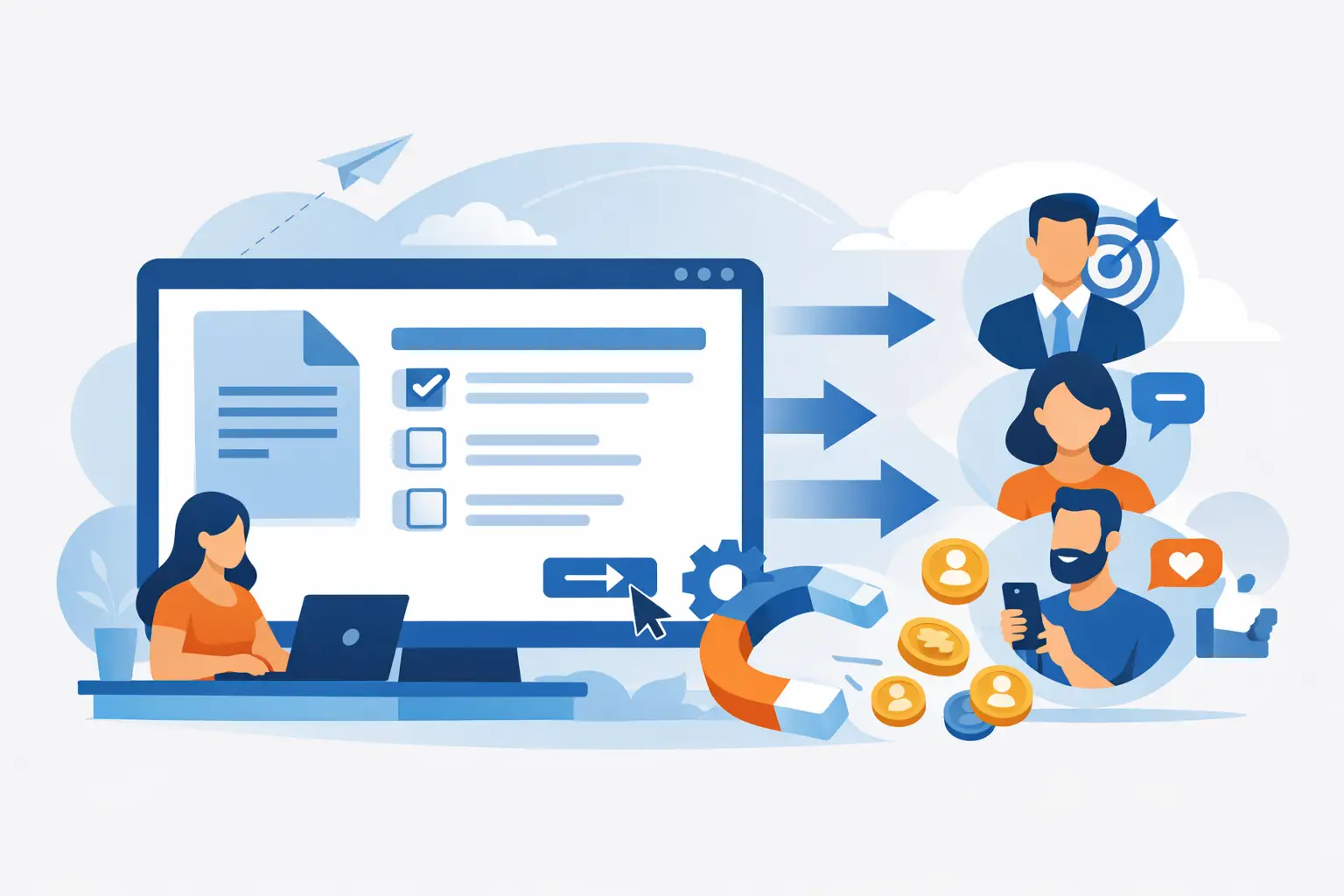
A PDF packed with product knowledge, training material, or expert insights should not sit on your site as a passive download. An online quiz maker from PDF can turn that static asset into an interactive lead magnet that captures attention, qualifies visitors, and gives your marketing team data they can actually use.
For growth-focused businesses, the appeal is obvious: your best source material already exists. The real question is whether a PDF-to-quiz workflow creates a useful conversion asset or just a generic multiple-choice test. The difference comes down to the tool, the strategy, and what happens after someone submits their answers.
What an Online Quiz Maker From PDF Actually Does
PDF-to-quiz tools use document parsing and, increasingly, AI to identify key concepts, generate questions, suggest answers, and build a first quiz draft. This can save substantial production time when you are working with ebooks, onboarding guides, compliance documents, course materials, product catalogs, or research reports.
But importing a PDF is the starting point, not the finished product. A strong quiz builder should let you edit every question, adjust answer logic, add images and branding, set up scoring, and publish the result on a landing page, website, or campaign page.
For marketers, the best use case is rarely a simple knowledge check. It is using existing content to create an experience that reveals intent. A fitness brand might turn a nutrition guide into a quiz that recommends a meal plan. An agency could turn a client onboarding PDF into an assessment that identifies marketing maturity. A software company could convert a feature guide into a product-fit quiz that routes prospects to the right solution.
That is where a quiz becomes more than content repurposing. It becomes a segmentation engine.
Why PDFs Are a Smart Starting Point for Quiz Funnels
Most businesses have valuable PDFs buried in folders, resource libraries, or email automations. They may be well researched and well designed, but they ask very little of the reader. Someone can download a 25-page guide, skim two pages, and disappear without giving you a useful signal.
A quiz changes the exchange. Visitors answer questions, see a personalized result, and are more likely to share an email address when the promised outcome is relevant to them. Instead of guessing which topic interested a prospect, you know what they selected, where they struggled, and which recommendation fits them best.
This makes PDF-based quiz creation especially useful when you want to:
- Refresh an older lead magnet without rewriting the underlying research
- Turn educational content into a higher-engagement campaign asset
- Qualify leads before a sales call or consultation
- Segment subscribers for personalized follow-up emails
- Create training checks for employees, customers, or partners
The trade-off is that not every PDF deserves to become a quiz. A dense legal document, an image-heavy brochure, or a report with limited actionable material may produce weak questions. AI can read text quickly, but it cannot automatically determine which questions will persuade your audience to complete a form or buy.
The Features That Matter Most
When comparing an online quiz maker from PDF, do not stop at the upload button. PDF import is convenient, but the surrounding conversion features determine whether the quiz contributes to pipeline.
Accurate Question Generation With Full Editing Control
AI-generated questions are useful for getting from blank page to draft. They are not a substitute for editorial judgment. Look for a platform that lets you rewrite questions, remove repetitive options, change correct answers, and choose the question format.
For an educational quiz, accuracy is the priority. For a lead-generation quiz, the question needs to be easy to answer while revealing something meaningful about the participant. Those are different goals. A platform that offers only basic right-or-wrong multiple choice may be enough for training, but it can limit a personalized marketing funnel.
Outcome Logic and Scoring
The highest-converting quizzes often deliver results based on patterns, not just a final score. If someone selects answers associated with a beginner, a high-intent buyer, or a particular customer profile, the quiz should recognize that pattern and show the most relevant outcome.
That means looking for weighted scoring, outcome mapping, answer branching, and custom result pages. These features let you turn a PDF into a diagnostic experience rather than an exam.
Lead Capture and Integrations
A quiz that attracts traffic but does not connect to your email or CRM workflow leaves value on the table. Lead forms should be customizable, mobile-friendly, and flexible enough to appear before results, after results, or at another point that matches your offer.
Also consider what data transfers after submission. Capturing an email is useful. Capturing the participant’s quiz outcome, score, key responses, and interest category is far more valuable. It allows your team to send follow-ups that match what the visitor just told you.
Analytics You Can Act On
Completion rate is a good starting metric, but it is not the entire story. You also want to see form conversion rate, question drop-off, outcome distribution, device performance, and traffic source results.
If one question causes visitors to abandon the quiz, remove it or make it clearer. If one outcome generates the most booked calls, build more campaigns around that audience. The best quiz software makes optimization visible instead of forcing you to guess.
How to Turn a PDF Into a Quiz That Converts
Start by choosing one clear business outcome. Do you want more email subscribers, better-qualified leads, product recommendations, course engagement, or customer education? Without that decision, an imported PDF can easily turn into a scattered quiz with no clear next step.
Next, identify the parts of the document that produce decisions. Statistics and definitions can support a quiz, but they rarely create a compelling outcome on their own. Look for frameworks, checklists, common mistakes, self-assessment criteria, and decision points. Those sections are much more likely to produce questions that feel useful to the person answering them.
Then build the quiz around seven to 12 questions in most marketing scenarios. That range is usually long enough to create a meaningful result and short enough to protect completion rates. Training quizzes may require more questions, particularly when you need to verify comprehension, but lead-generation quizzes should earn every additional click.
Your result page needs to deliver immediate value. Tell participants what their outcome means, give them one or two practical next actions, and present a relevant offer. For example, a visitor who receives a “Ready to Scale” result could be invited to book a strategy call, while a “Build Your Foundation” result could receive a beginner resource or starter product recommendation.
Finally, create follow-up campaigns around outcomes rather than sending everyone the same generic email. A quiz gives you declared preferences. Use them. Personalized messaging based on quiz results is one of the fastest ways to make a lead magnet work harder.
Common PDF-to-Quiz Mistakes That Hurt Results
The first mistake is trusting AI output without reviewing it. Generated questions can be vague, overly academic, or based on minor details that do not matter to your audience. Edit with the same care you would apply to a sales page or email sequence.
The second is confusing engagement with conversion. A fun quiz can earn clicks, but if the final result does not connect to an offer, an email sequence, or a clear next action, it will not reliably support growth. Match the quiz topic to a product, service, or audience segment you can nurture.
The third is asking for too much information too early. Name and email are often enough for a first interaction. If you need phone number, company size, budget, and job title before revealing the result, test that approach carefully. High-friction forms can reduce completion rates, especially for cold traffic.
The fourth is treating the quiz as a one-time campaign. Add it to relevant blog posts, promote it through email, place it on high-intent pages, and test paid traffic once the conversion path is proven. A strong quiz can keep generating leads long after the PDF that inspired it would have stopped attracting downloads.
When a PDF Quiz Is Not the Best Choice
An online quiz maker from PDF is ideal when your document contains structured expertise and your audience benefits from a tailored result. It is less effective when your objective is simply to make a document easier to read. In that case, a better landing page, a short video, or a downloadable checklist may be the stronger asset.
It also depends on your traffic source. For warm email subscribers, a deeper assessment can work well because people already know your brand. For cold social traffic, a lighter quiz with a fast payoff usually performs better. The right format follows the attention level and intent of the audience, not the capabilities of the software.
Your PDF has already done the hard part: it contains knowledge your audience wants. Put that knowledge to work by shaping it into questions that reveal needs, deliver a useful result, and create a clear path to the next conversion.